Installation
Milonga ships as a self-contained application. No Python installation or dependencies are required.
macOS
- Download Milonga.zip from the Download page.
- Double-click the archive to unzip it.
- Drag Milonga.app to your Applications folder.
- Double-click to launch.
macOS Gatekeeper warning — Apple requires developers to pay a $99/year fee to obtain a notarization certificate. Milonga is a free application developed by a volunteer with no intention of charging anyone, so this fee will not be paid. As a consequence, macOS will refuse to open the app on the first launch and display a warning about an "unidentified developer." This is Apple's policy, not a problem with the application.
To open it anyway: go to System Settings → Privacy & Security, scroll down to the Milonga entry, and click Open Anyway. You will be asked once — macOS remembers your choice for all future launches.
Requires macOS 12 Monterey or later — Intel and Apple Silicon.
Windows
- Download Milonga-windows.zip from the Download page.
- Unzip the archive. (If Windows blocks it, right-click the .zip → Properties, tick Unblock at the bottom, then unzip.)
- Open the unzipped Milonga folder and run Milonga.exe.
Keep the whole folder together. Milonga.exe relies on the _internal folder next to it — move or copy the entire Milonga folder, not just the .exe. You can put it anywhere (Desktop, Documents, even a USB stick).
The app is not code-signed, so on the first launch Windows SmartScreen may show "Windows protected your PC." Click More info → Run anyway. This only happens the first time.
Some antivirus programs mistakenly flag self-contained apps like this one. Milonga is safe; if it is quarantined, restore it and allow Milonga.exe.
Requires Windows 10 or later (64-bit).
First launch
Milonga opens two windows:
| Window | Purpose |
|---|---|
| Control window | Configure sources, layout, and preferences. Stays on your DJ screen. |
| Display window | The "now playing" screen to move to your projector or second monitor. |
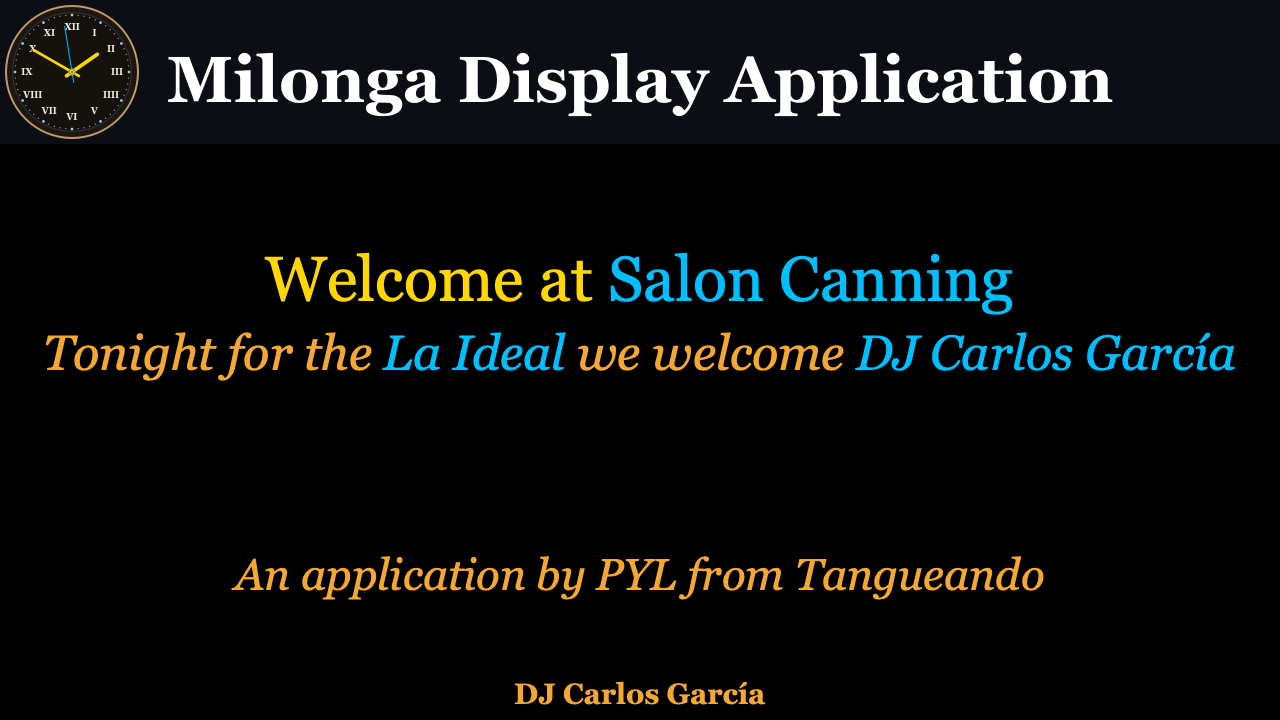
The first time you launch, a short setup wizard guides you through the language, your DJ application, and the tanda cycle. You can re-run it any time from File → Run Setup Wizard….
After that, the Setup tab is your starting point: fill in your DJ name, venue, and milonga name on the Event sub-tab, then pick your DJ application in the same place.